A PASS admin with the event role can create an email to be sent to the student once an Instructor marks the student as attended.
Follow these quick steps to perform these tasks:
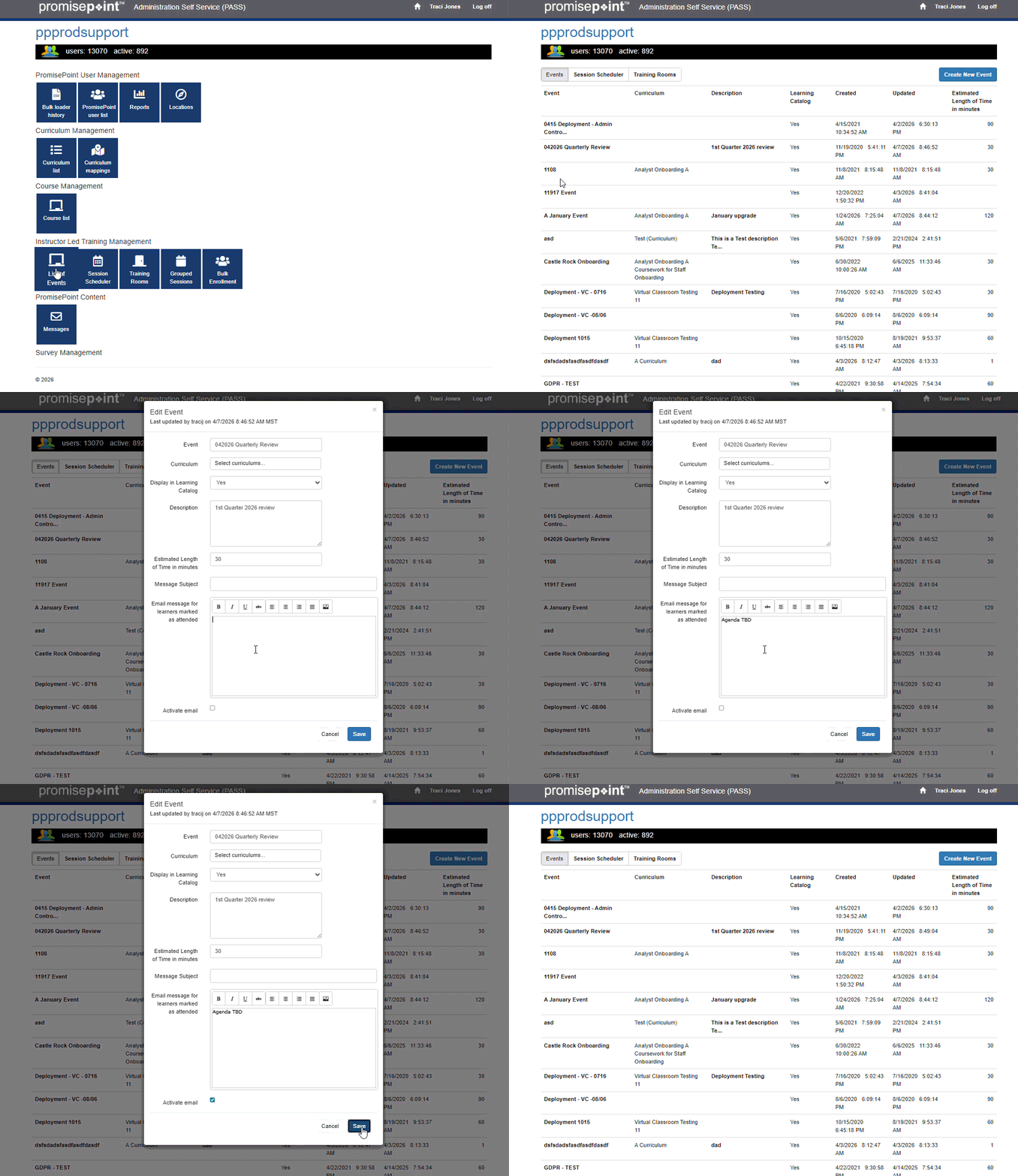
Add a note
- From the PASS menu, click on List of Events under the ILT menu
- Find the field: Email message for learners marked as attended
- Key in the note
- Check the box, Activate email.
- Click, Save.
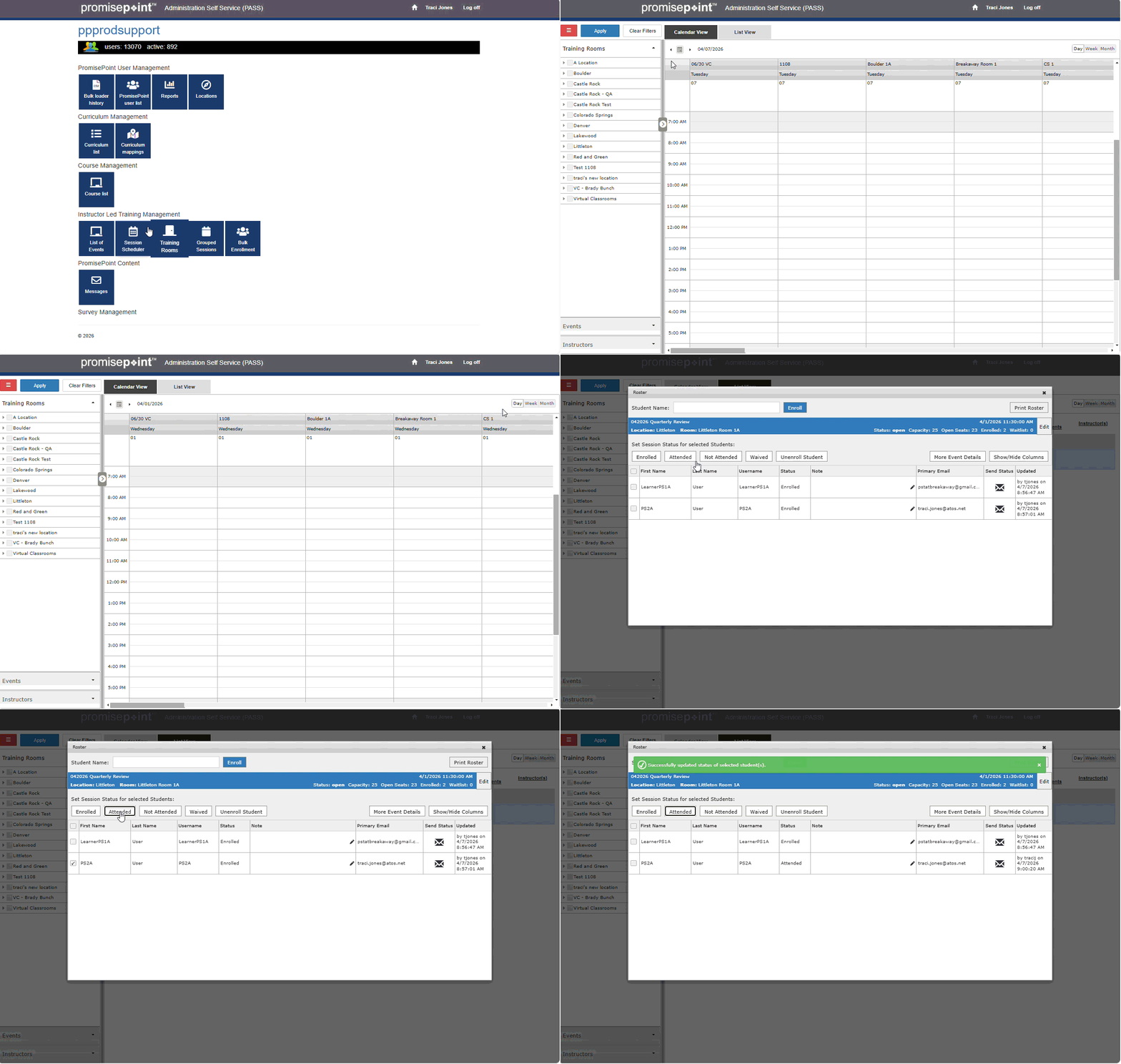
Mark the student as attended
- Under the ILT menu or from Events, click on Session Scheduler
- Find the session the student attended in session scheduler, through the scheduler or list view using the filters.
- Click on the roster, either right click from the scheduler, or hover over the left to the session.
- Click on the check box, and mark the student as attended.
- This action will send the note.