Learn how to work with the user list in PASS as a PASS User admin by watching this short video that shows how to set a user to an active status.
Video: Update a Facilitator in PASS (0046)
Or follow these quick steps:
- Log into PASS
- Click PromisePoint user list.
- Find the user you want to work with by using the filters and/or search boxes, click Search.
Note: If the user displays in a gray bar it means the user is inactive. If it's orange it's at a managed status.
- Click the Edit icon
 on the user profile.
 - Click, Edit Profile

- Select the Active check box

- Click, Save Changes.
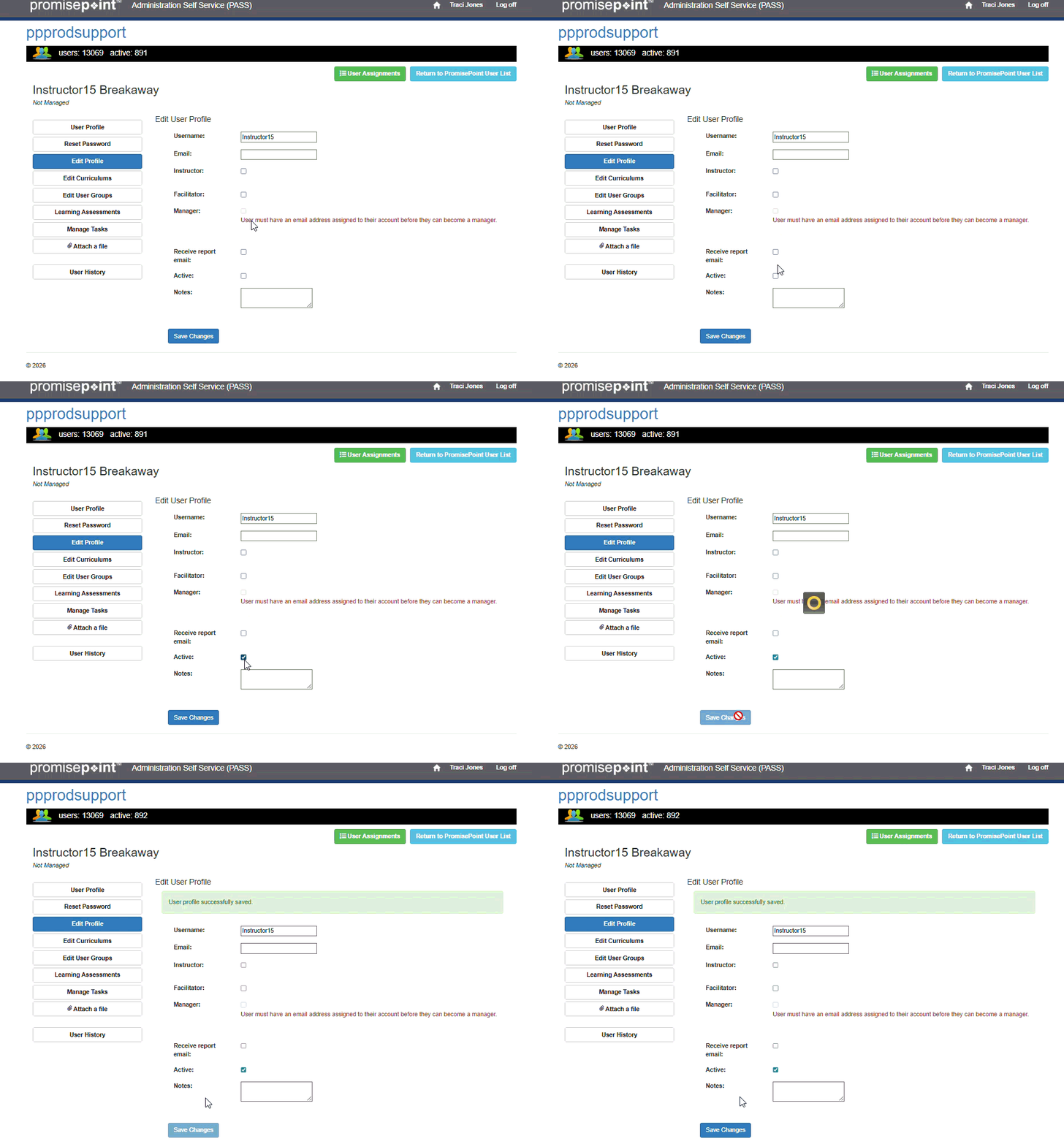
Refresh to replay gif
Additional Resources: